Thông tin Sale hội trăng rằm, Giá luôn rẻ - Giảm đến 15 triệu MUA NGAY







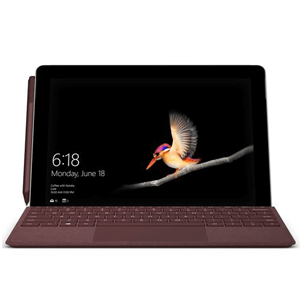
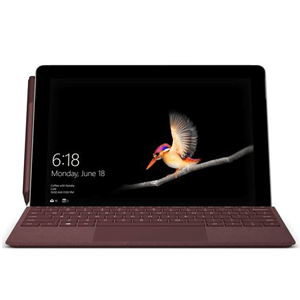











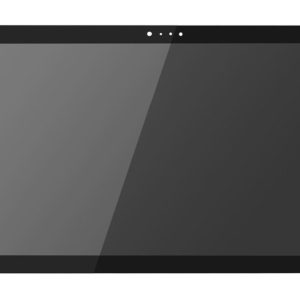
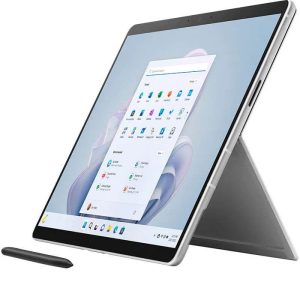
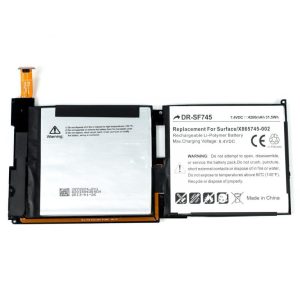
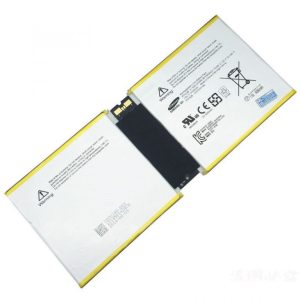
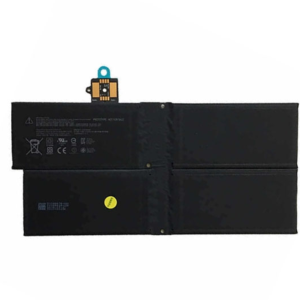
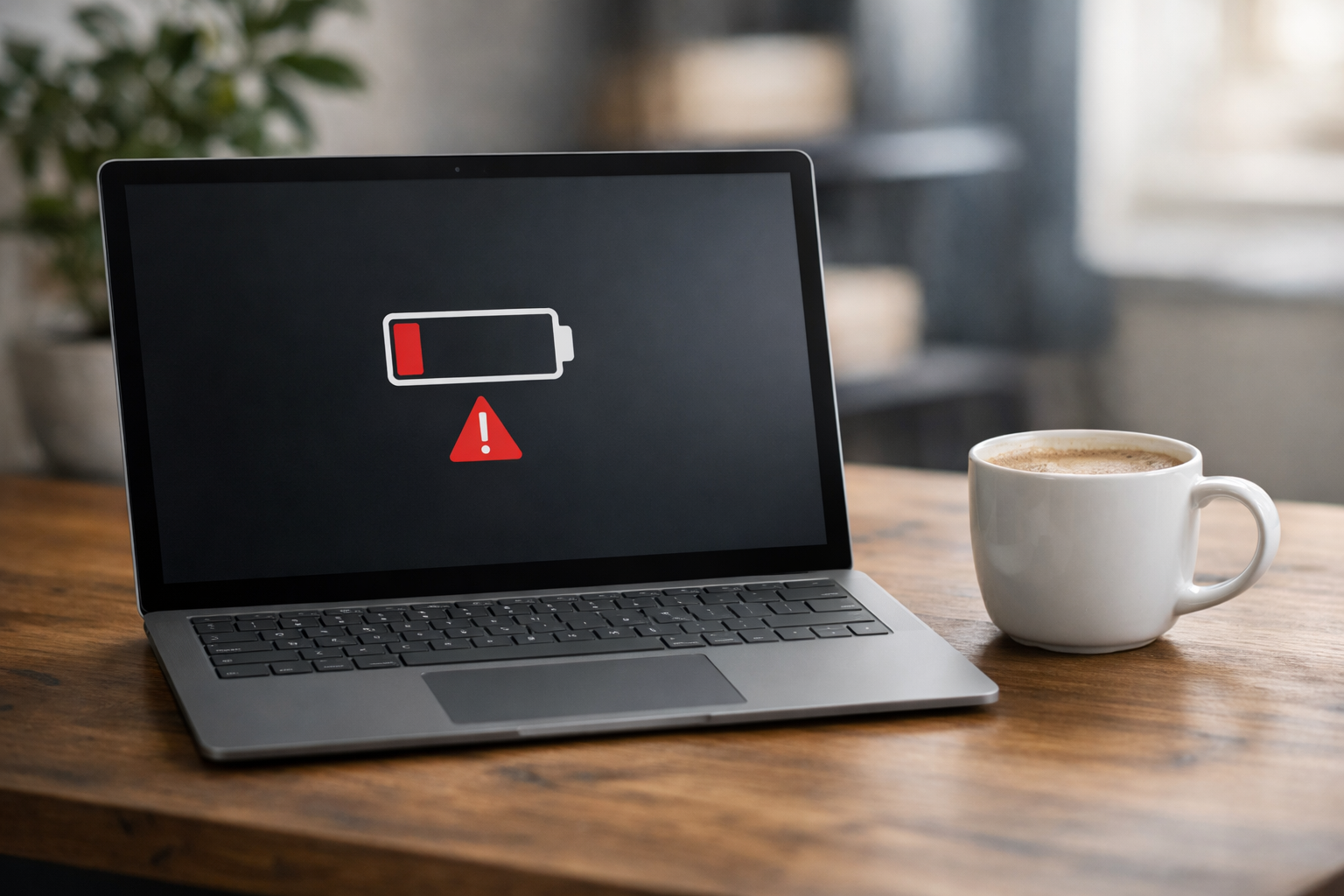
The Microsoft Surface Go 1 remains a favorite for students and digital nomads due to its portability and versatility. However, like all portable electronics, its lifespan is tethered to the health of its lithium-ion battery. Over time, you may notice the device doesn’t last as long as it once did, or worse, it starts behaving erratically. When this happens, seeking a professional thay pin surface go 1 (Surface Go 1 battery replacement) becomes essential to keep your workflow uninterrupted.
At Computer Plus, we understand that a tablet is only as good as its mobility. If you find yourself constantly tethered to a wall outlet, or if your surface go không lên nguồn due to power failure, it is time for an upgrade. In this guide, we will explore everything you need to know about replacing the battery in your Surface Go 1, from identifying the signs of failure to the technical intricacies of the repair process.
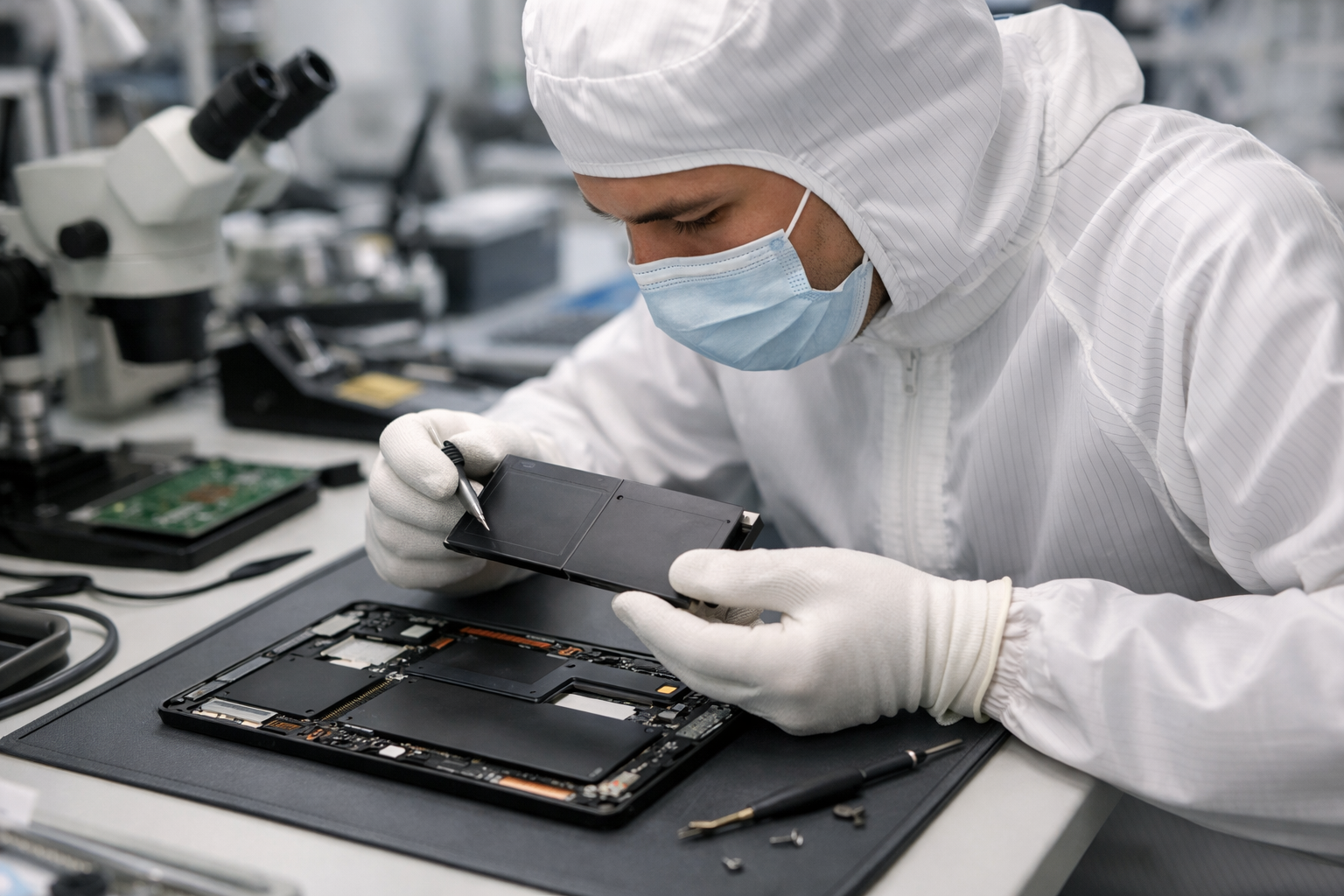
Why You Need Professional thay pin surface go 1 Services
Replacing a battery in a Surface device is significantly more complex than in a standard laptop. The Surface Go 1 is held together by strong adhesives rather than screws. This design makes the thay pin surface go 1 process a high-risk operation for those without the proper tools. One wrong move with a heating gun or a prying tool can result in a cracked digitizer or damaged internal ribbon cables.
Professional services provide several layers of security. Technicians use specialized equipment to soften the adhesive without overheating the sensitive LCD panel. Furthermore, high-quality replacement batteries are tested for capacity and voltage stability, ensuring that your device doesn’t just turn on, but stays on safely. If you attempt a DIY repair and fail, you might end up needing more expensive repairs, such as when a surface go bị lỗi due to internal component damage.
Identifying a Failing Surface Go 1 Battery
Before committing to a replacement, it is important to verify that the battery is indeed the culprit. Common symptoms include:
- Rapid Discharge: The battery percentage drops by 10% or more in just a few minutes of light browsing.
- Shutdown at Random: The device turns off even when the indicator shows 20-30% remaining.
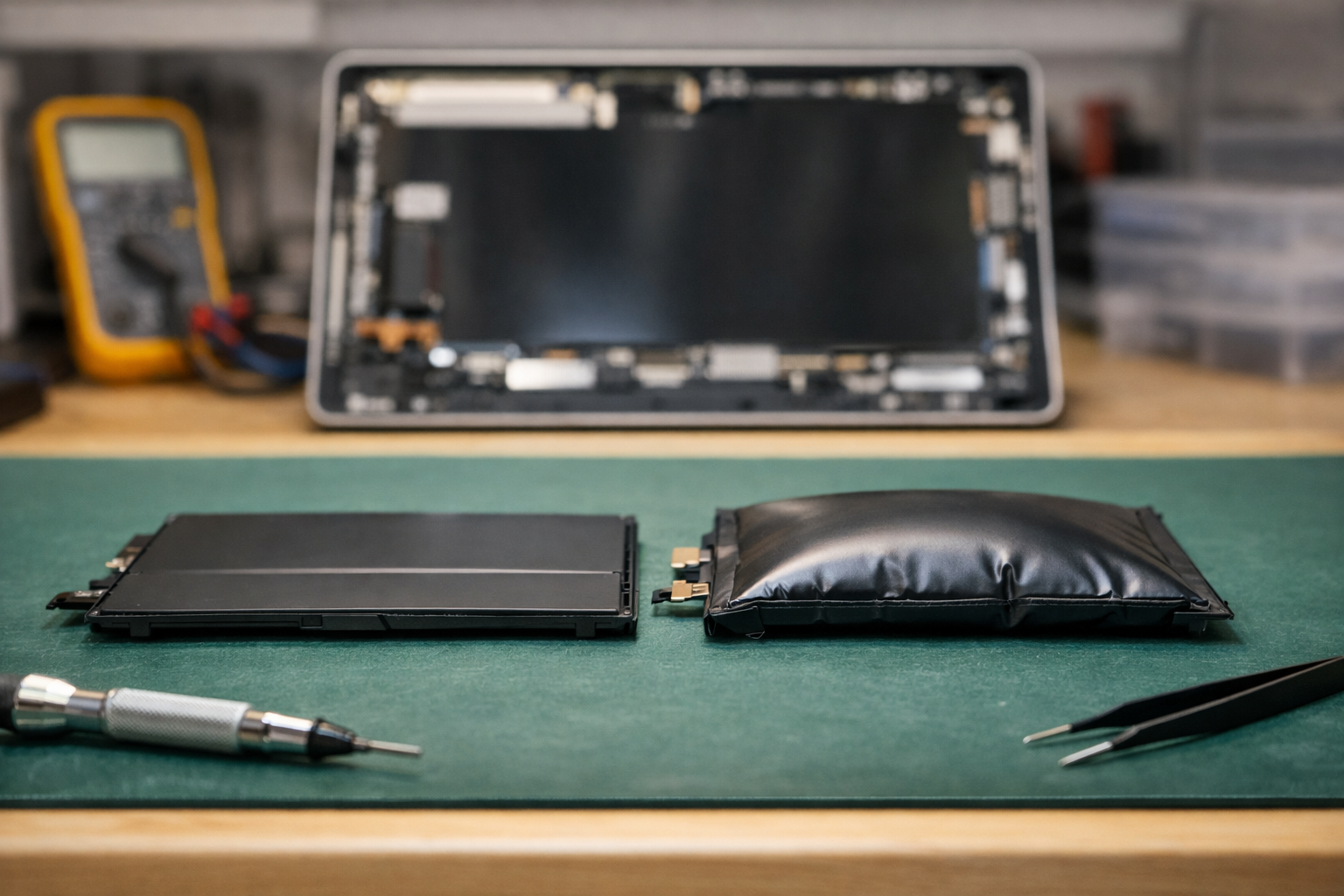
- Physical Swelling: The screen starts to bulge or lift away from the frame—a dangerous sign of a failing battery.
- Overheating: The back of the device becomes excessively hot during simple tasks.
The Technical Process of thay pin surface go 1
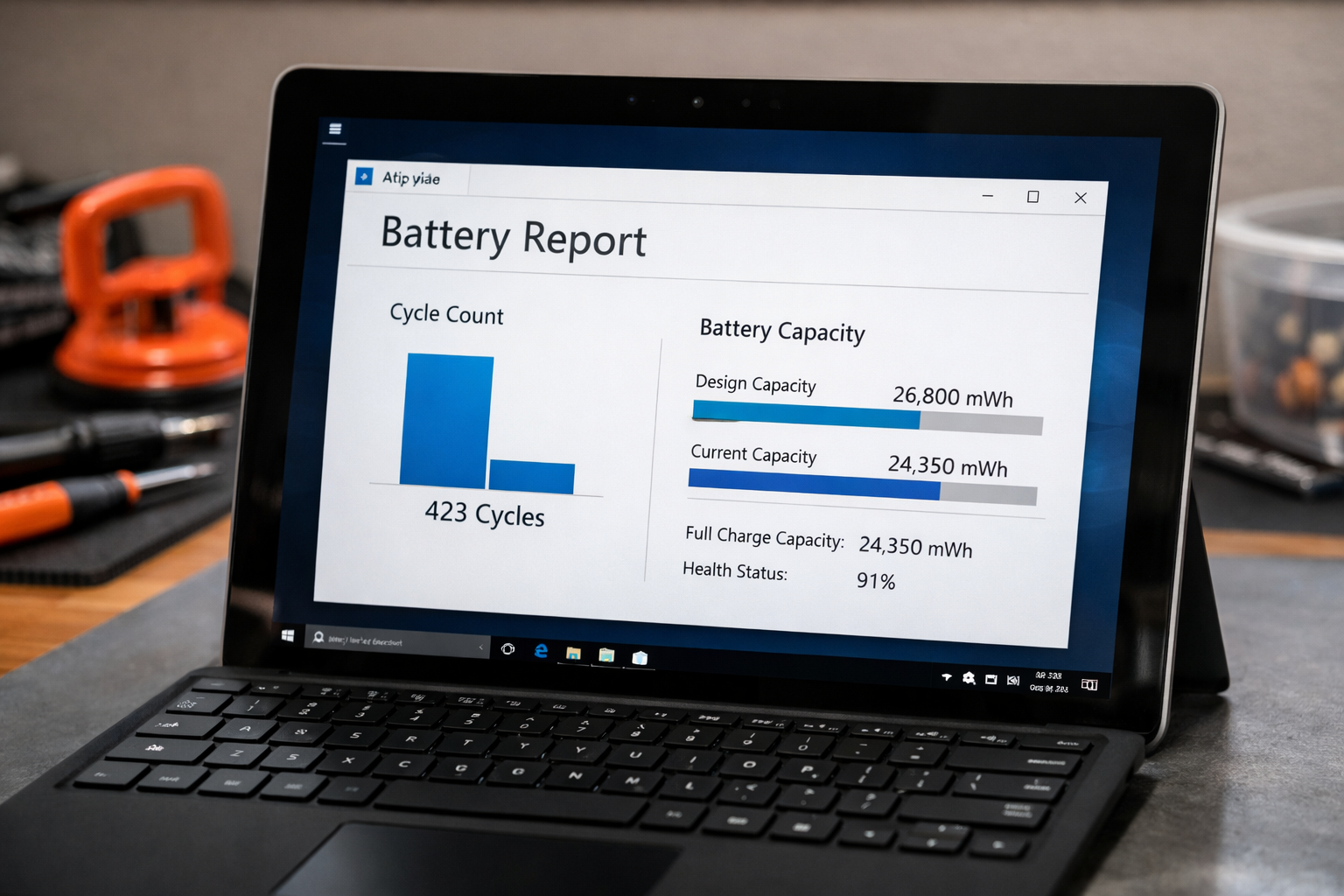
The repair begins with a thorough diagnostic. Our experts at Computer Plus often suggest running a Windows Battery Report. By typing powercfg /batteryreport into the command prompt, we can see the exact design capacity versus the full charge capacity. This data-driven approach ensures that we only perform a thay pin surface go 1 when it is truly necessary for the device’s health.
Once the need is confirmed, the technician carefully heats the perimeter of the screen. Using suction handles and ultra-thin opening picks, the screen is separated from the magnesium chassis. Inside, the Surface Go 1 battery is typically glued to the frame. This requires a specific solvent to break down the bond without damaging the motherboard. After the old battery is removed, the interior is cleaned of old adhesive before the new, high-capacity cell is installed.
For more information on general battery maintenance and how to extend the life of your new cell, you can refer to the official Microsoft Battery Care Guide.
Featured Snippet: Surface Go 1 Battery Specifications
To help you understand what goes into your device, here is a comparison of the original factory specs and the high-quality replacement parts used in our thay pin surface go 1 service.
| Feature | Original Specification | Replacement Standard |
|---|---|---|
| Battery Type | Lithium-ion Polymer | Grade A+ Li-Polymer |
| Capacity | 26.12 Wh (approx. 3411 mAh) | Matches or Exceeds 26.12 Wh |
| Voltage | 7.66 V | 7.66 V – 7.7 V |
| Estimated Life | 500-800 Cycles | 800+ Charge Cycles |
Benefits of Choosing Our thay pin surface go 1 Service
Choosing Computer Plus for your battery replacement offers peace of mind that a standard repair shop cannot provide. We specialize in Surface hardware, meaning we have the specific molds and presses required to reseal the screen perfectly. If your surface chạy chậm phải làm sao is a question you’ve been asking, a new battery can actually help by preventing CPU throttling that occurs when the system detects a failing power source.
Our thay pin surface go 1 service includes a full cleaning of the internal cooling components. Dust buildup can lead to heat, which is the primary enemy of battery longevity. By addressing the thermal environment, we ensure your new battery lasts for years to come. We also provide a comprehensive warranty, covering any defects in the replacement cell.
Maintaining Your New Surface Go 1 Battery
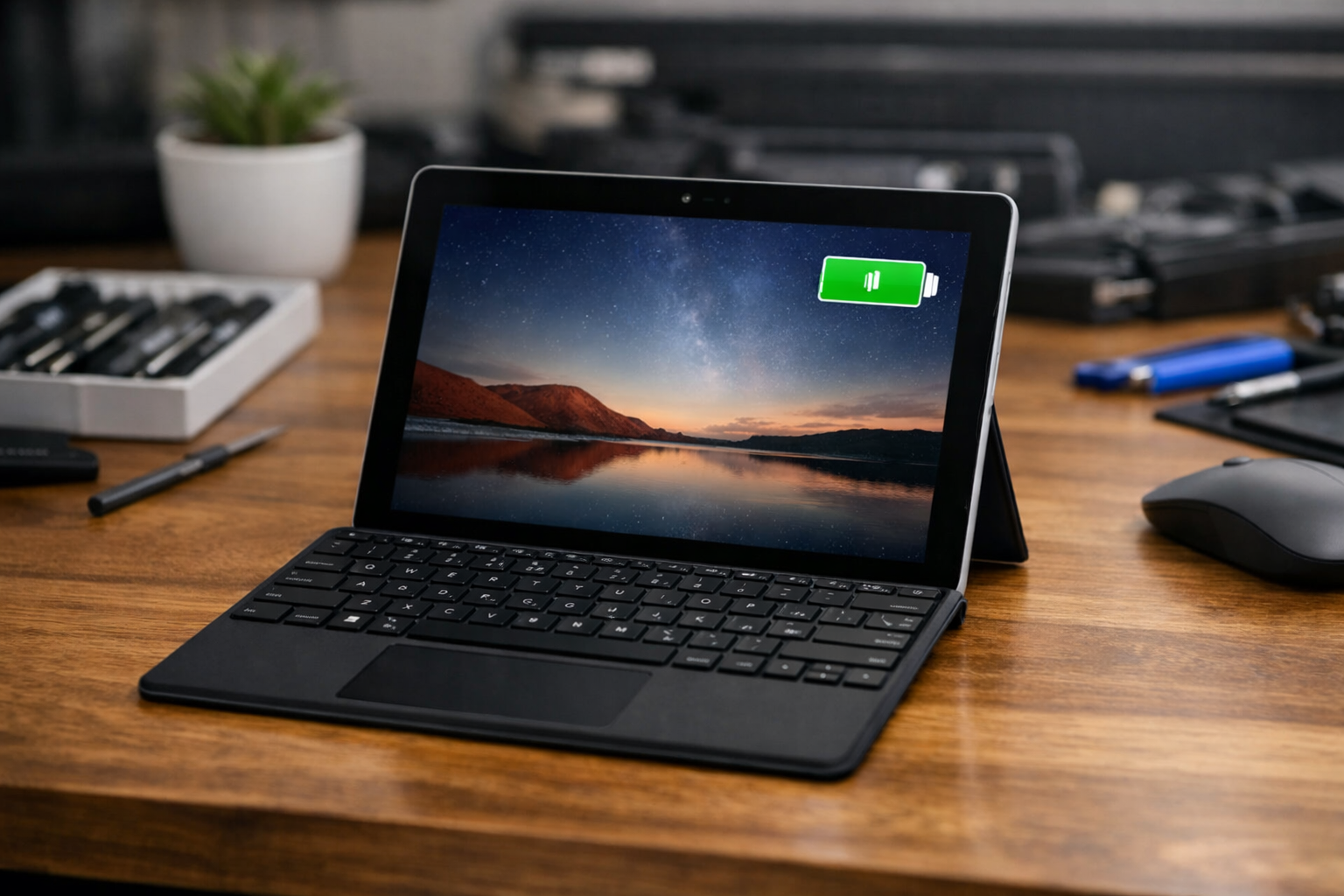
After the thay pin surface go 1 process is complete, how you treat your device will dictate its future performance. Heat management is crucial. Avoid leaving your Surface Go in a hot car or using it on soft surfaces like blankets that block the ventilation. Furthermore, try to keep the battery level between 20% and 80% for daily use; keeping it at 100% while constantly plugged in can accelerate chemical aging.
If you notice any other issues after the replacement, such as software glitches or driver errors, our team is equipped to handle those as well. We strive to be the top choice for Surface repairs in Vietnam, combining technical expertise with genuine care for your technology.
Conclusion
The decision to thay pin surface go 1 is an investment in the longevity of your device. Rather than spending a significant amount on a new tablet, a professional battery replacement restores the original mobility and performance of your Surface Go 1 at a fraction of the cost. Trust the experts at Computer Plus to handle your repair with the precision and quality it deserves. Visit us today to restore your Surface to its peak condition.