Thông tin Sale hội trăng rằm, Giá luôn rẻ - Giảm đến 15 triệu MUA NGAY



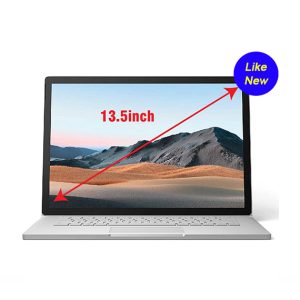
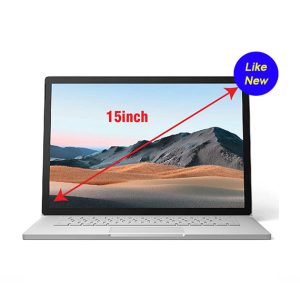
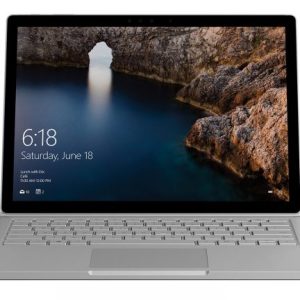
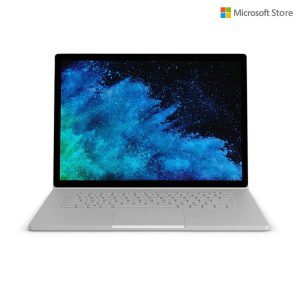
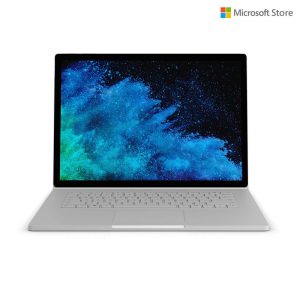
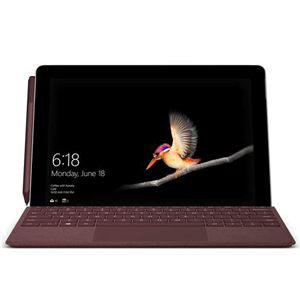
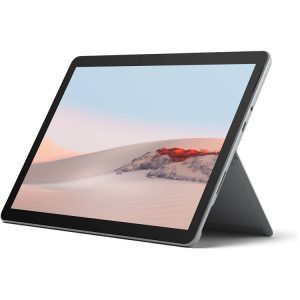
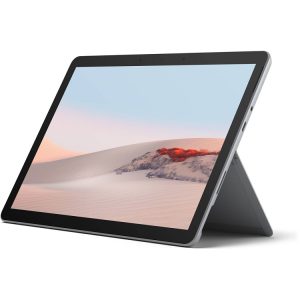



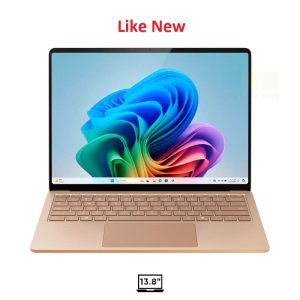
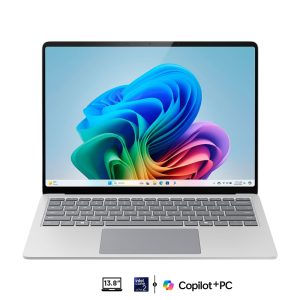
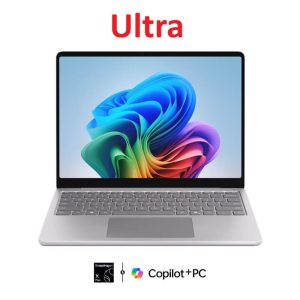


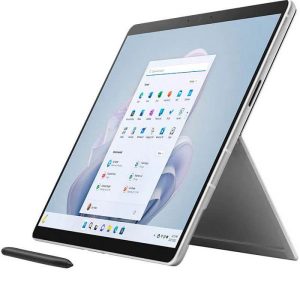
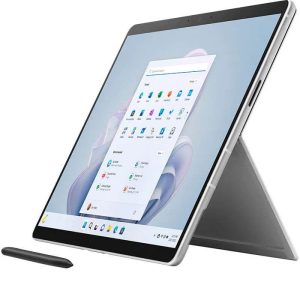
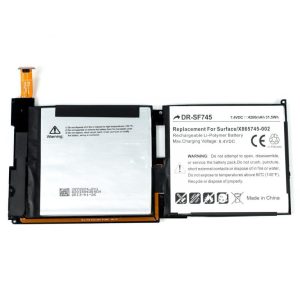
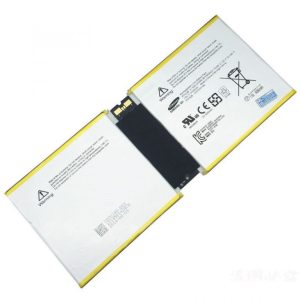
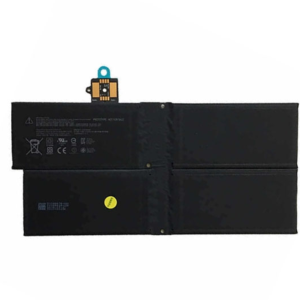
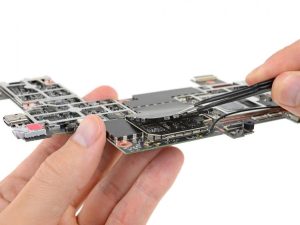
The Microsoft Surface Laptop 6 represents the pinnacle of productivity for professionals and students alike. Known for its sleek design and powerful performance, it relies heavily on its internal lithium-ion battery to provide the portability that users crave. However, like all electronic components, batteries have a finite lifespan. When you notice your device no longer holds a charge as it once did, it may be time to consider a professional thay pin surface laptop 6 service to restore its peak performance.
At Computer Plus, we understand that your laptop is essential to your daily workflow. A degraded battery doesn’t just limit your mobility; it can also affect the system’s thermal management and overall stability. In this comprehensive guide, we will explore everything you need to know about replacing the battery in your Surface Laptop 6, from identifying the warning signs to choosing a trusted repair provider.
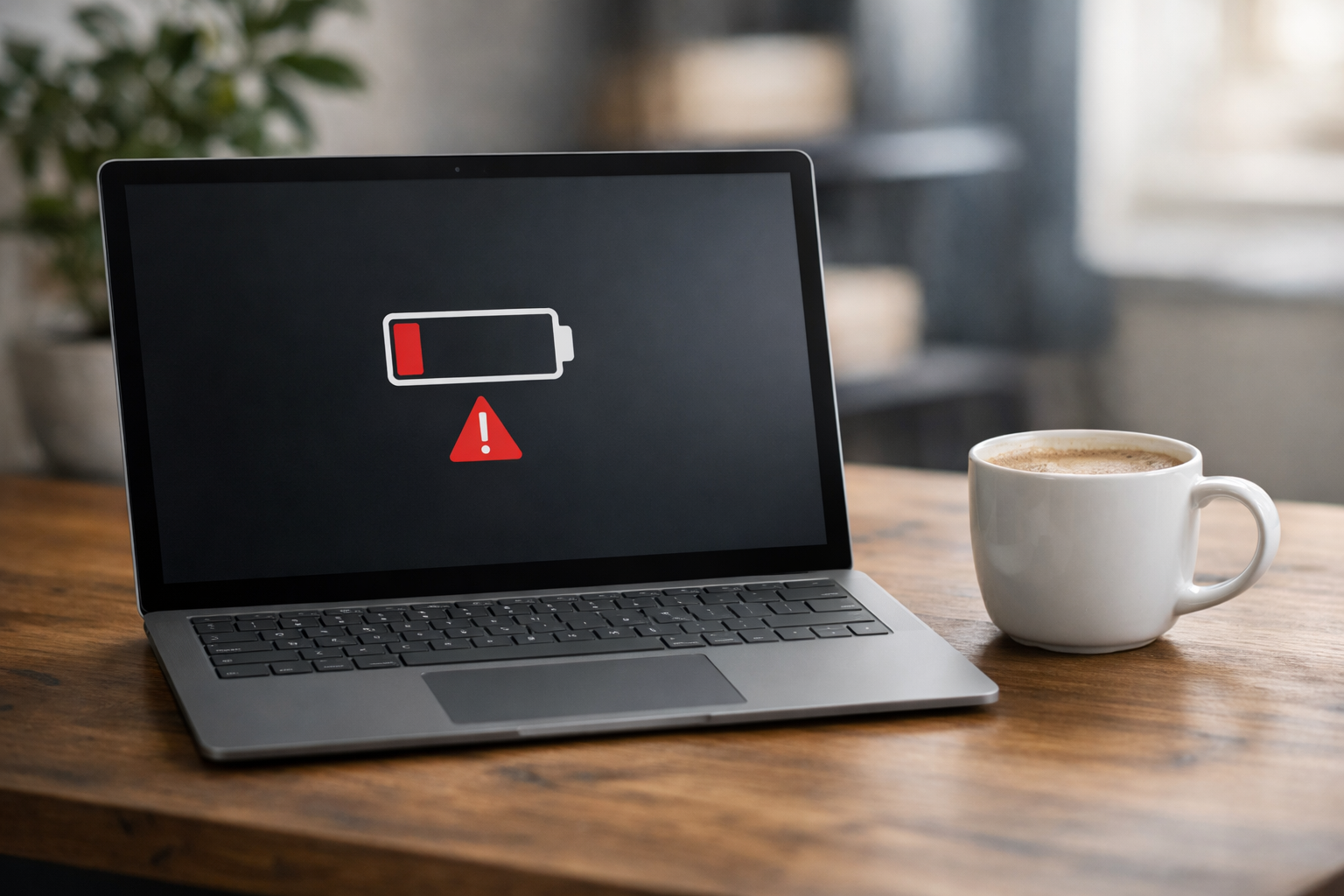
When Should You Consider Thay Pin Surface Laptop 6?
Identifying when a battery requires replacement is crucial to preventing further hardware issues. Unlike older laptop models, the Surface Laptop 6 features a highly integrated design, making it harder to spot physical issues like swelling immediately. However, there are several software and performance cues that indicate a replacement is necessary.
Featured Snippet: Signs of a Failing Surface Laptop 6 Battery
- Rapid Capacity Drop: The laptop goes from 100% to 20% in less than two hours of light usage.
- Unexpected Shutdowns: The device turns off suddenly even when the battery indicator shows 30% or more.
- Thermal Issues: The base of the laptop becomes excessively hot during charging or standard tasks.
- Battery Swelling: The trackpad becomes difficult to click or the keyboard deck appears slightly warped.
- Plugged in, Not Charging: The system recognizes the power adapter but the percentage does not increase.
If your device is experiencing more severe power issues, such as failing to turn on at all even when plugged in, you might be facing a motherboard or charging port issue rather than just the battery. In such cases, it is helpful to diagnose if the surface laptop không lên nguồn due to internal circuitry failure or a completely dead battery cell.
Why Professional Thay Pin Surface Laptop 6 is Essential
While the Surface Laptop 6 has been praised for improved repairability compared to its predecessors, it is still a sophisticated piece of engineering. Microsoft has transitioned to a more modular internal layout, but the battery remains secured with specific adhesives and delicate ribbon cables. Attempting a DIY replacement without the proper tools and experience can lead to irreversible damage.
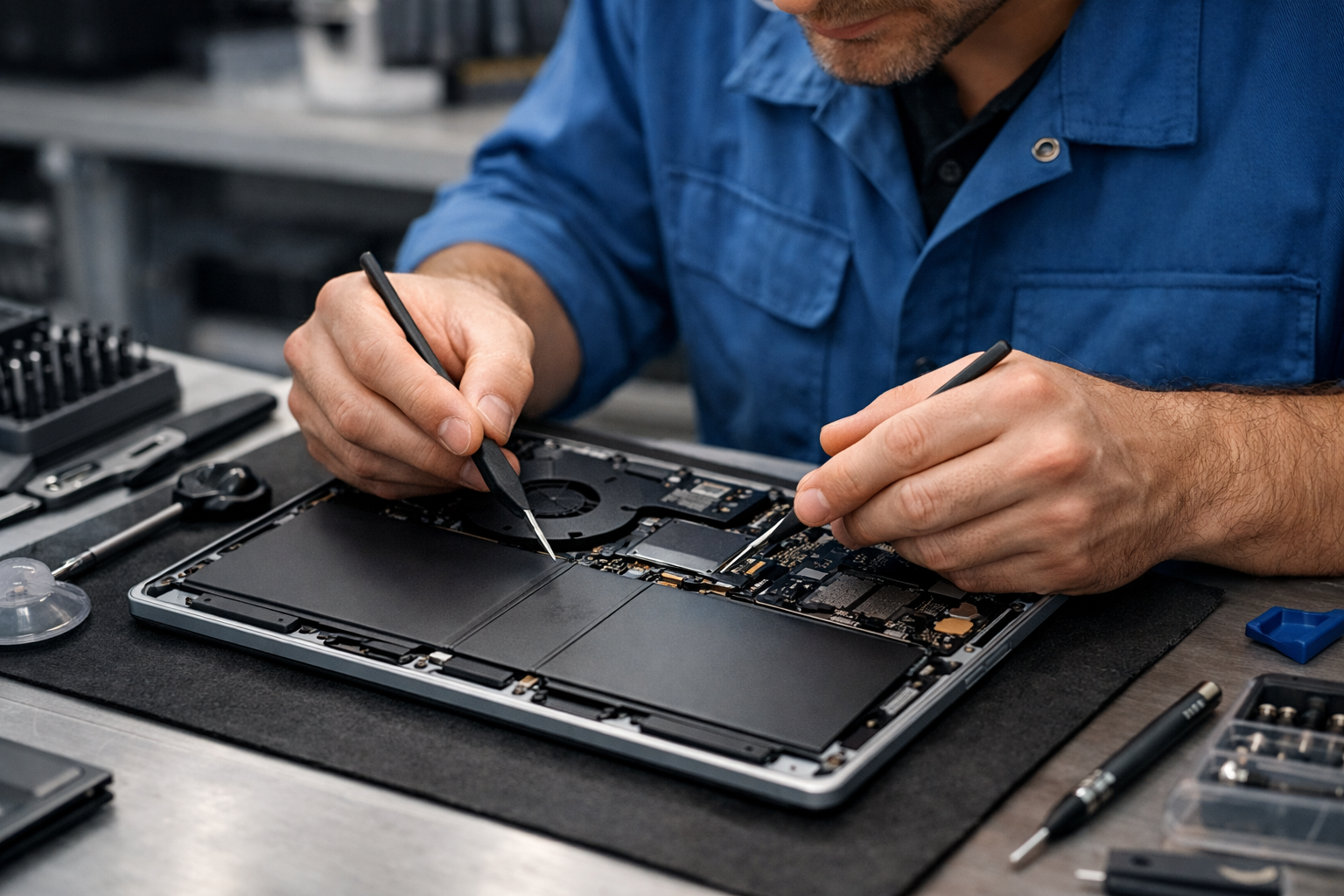
Choosing a professional thay pin surface laptop 6 service ensures that the integrity of your device remains intact. Expert technicians at Computer Plus use precision heat tools to soften the adhesive without damaging the surrounding components, such as the motherboard or the sensitive display assembly. Furthermore, a professional service includes a full diagnostic to ensure that the surface laptop bị lỗi isn’t related to the charging IC or power delivery firmware.
According to Microsoft Official Support, utilizing genuine parts and following standard safety protocols is vital for maintaining the longevity of the device and ensuring user safety, particularly regarding lithium-ion stability.
The Technical Process of Thay Pin Surface Laptop 6 at Computer Plus
Our replacement process is designed to be transparent and efficient. When you bring your device to Computer Plus, we follow a rigorous multi-step protocol to ensure the highest quality of service.
First, our technicians perform a battery health report using Windows’ built-in diagnostics. This allows us to see the exact cycle count and full charge capacity versus the design capacity. If the capacity has dropped below 80% of its original state, a thay pin surface laptop 6 is officially recommended.
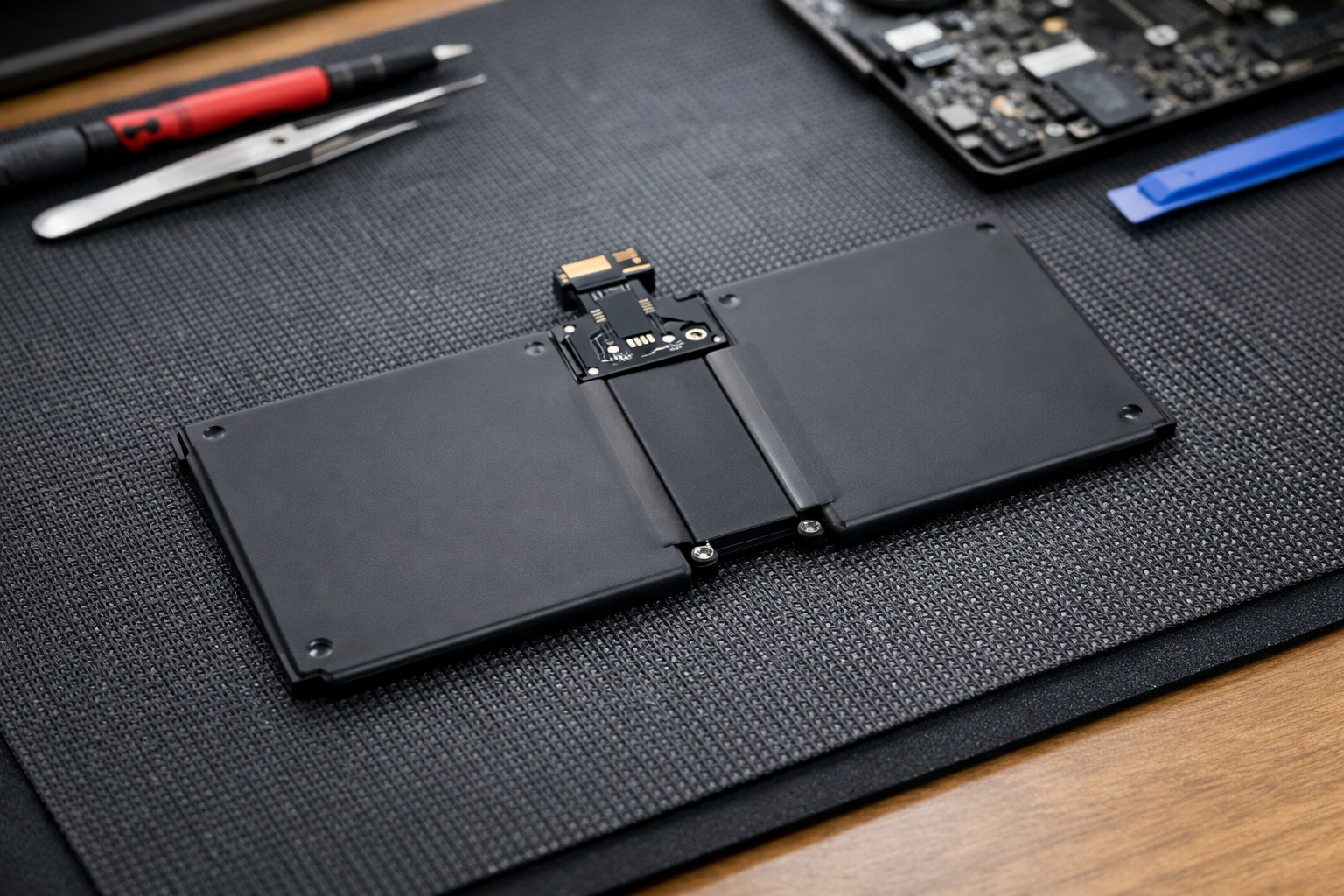
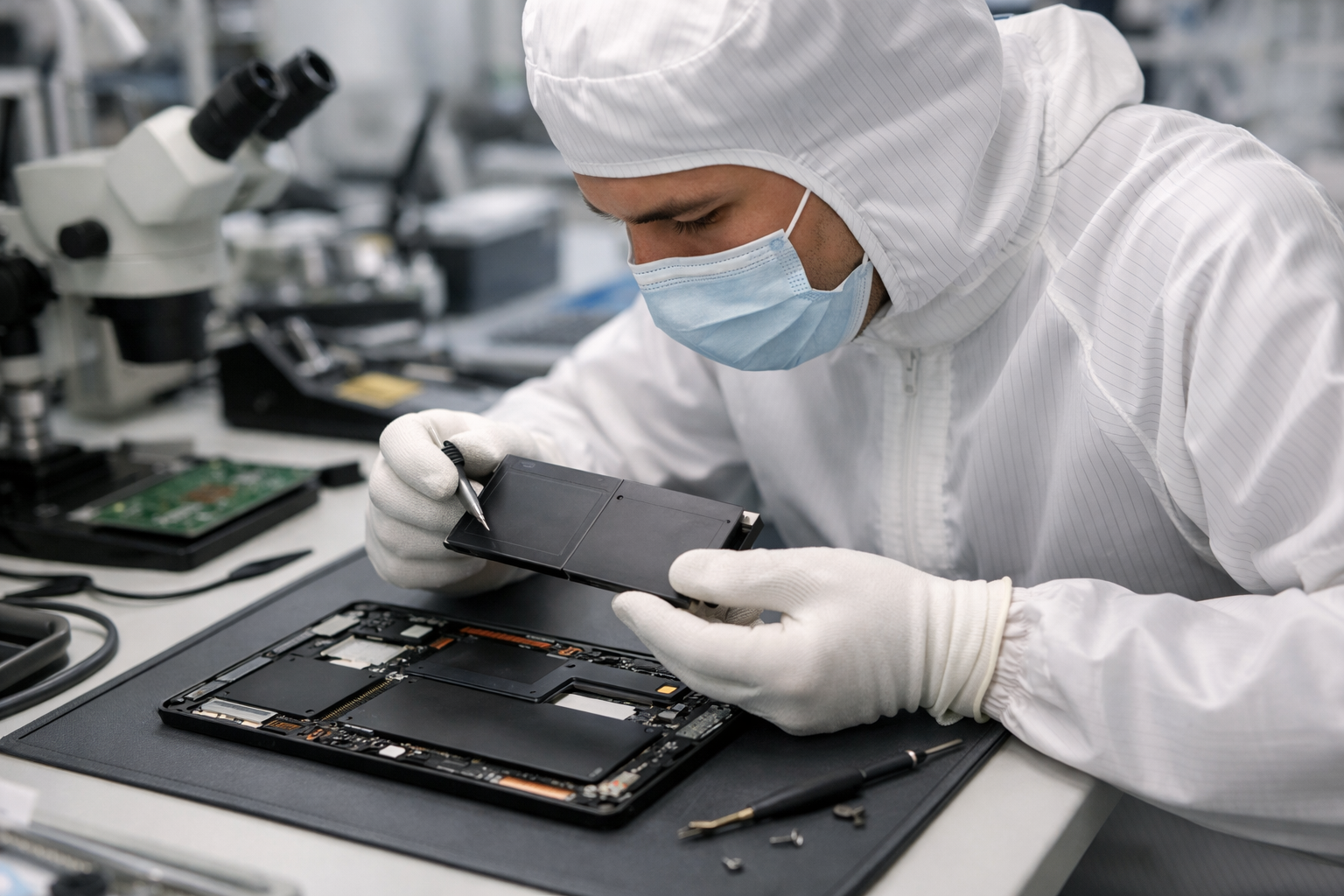
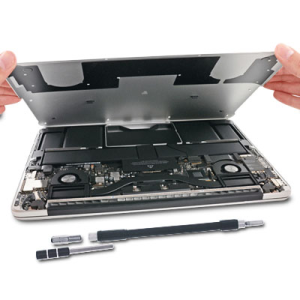
The physical replacement involves removing the rubber feet, unscrewing the bottom chassis, and carefully disconnecting the battery connector. Unlike older models where the keyboard was glued to the battery, the Laptop 6 allows for a more direct approach. We then replace the old cell with a genuine, high-capacity replacement battery that meets all original equipment manufacturer (OEM) specifications. This ensures that your laptop maintains its fast-charging capabilities and remains safe from overvoltage issues.
During the reassembly, we also take the opportunity to clean the internal fans and apply new thermal paste if necessary. This holistic approach prevents common problems like the surface laptop bị vỡ màn hình during the prying process or internal overheating that could damage the new battery.
Benefits of Choosing Computer Plus for Your Surface Repair
Computer Plus – Trung Tâm Máy Tính Công Nghệ Chính Hãng Tại Việt Nam stands out as a leader in high-end laptop repair. We don’t just replace parts; we provide a comprehensive service experience that prioritizes the customer’s peace of mind. When you choose us for thay pin surface laptop 6, you benefit from:
- Genuine Components: We only use high-grade batteries that match the original voltage and wattage of the Surface Laptop 6.
- Experienced Technicians: Our staff is trained specifically on Microsoft Surface hardware architecture.
- Fast Turnaround: Most battery replacements are completed within a few hours, minimizing your downtime.
- Transparent Pricing: No hidden fees. We provide a clear quote before any work begins.
- Warranty Assurance: Every battery replacement comes with a dedicated warranty period, covering any manufacturing defects.
How to Extend the Life of Your New Battery
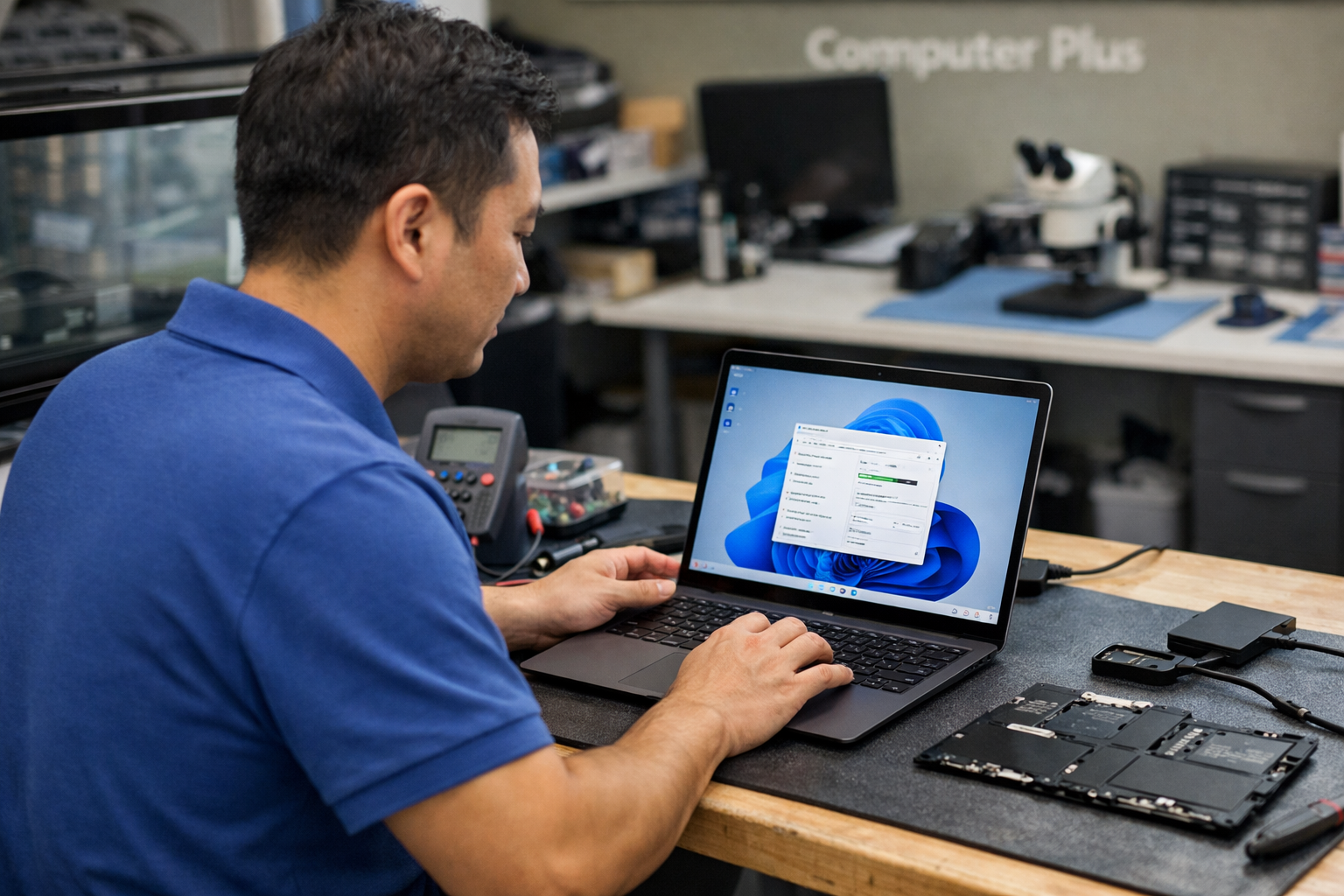
After a successful thay pin surface laptop 6, it is important to practice good battery habits to maximize the lifespan of the new component. Avoid leaving your laptop plugged in at 100% for extended periods, as this can accelerate chemical aging. Windows 11 features “Smart Charging” which can help manage this automatically. Additionally, try to keep the laptop in a cool environment, as excessive heat is the primary enemy of lithium-ion technology.
Regularly checking your battery report and ensuring your drivers are up to date will also help. If you notice any strange software behavior after the replacement, such as the battery icon disappearing, it might be a driver conflict rather than a hardware issue, which can usually be resolved with a quick system update.
Conclusion
Replacing the battery in your Surface Laptop 6 is the most cost-effective way to breathe new life into your device. Instead of investing in a brand-new machine, a professional thay pin surface laptop 6 at Computer Plus restores the portability and reliability you’ve come to expect from the Surface line. With our expert technicians, genuine parts, and commitment to quality, your laptop will be back to its best in no time. Visit Computer Plus today or contact our support team to schedule your diagnostic and battery replacement service.