Thông tin Sale hội trăng rằm, Giá luôn rẻ - Giảm đến 15 triệu MUA NGAY







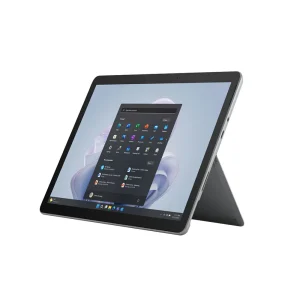
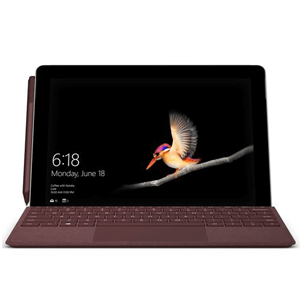
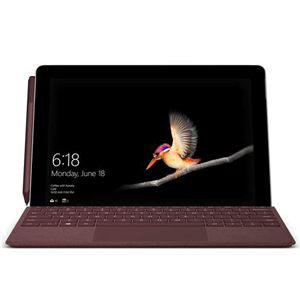
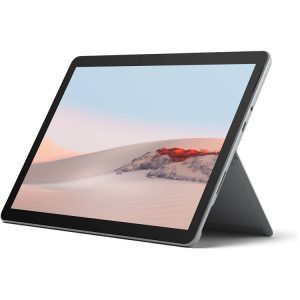
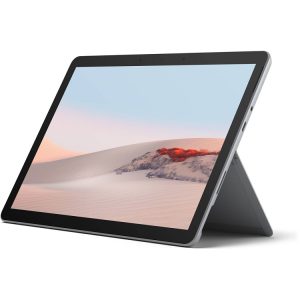







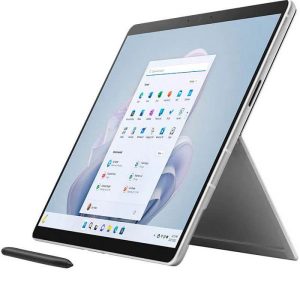

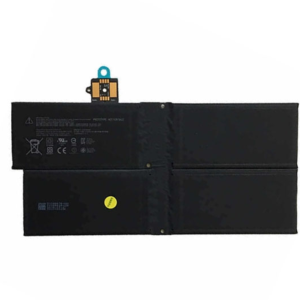
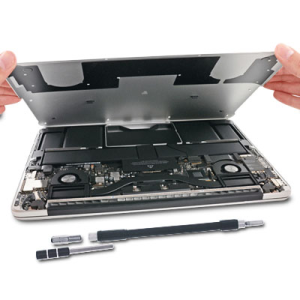
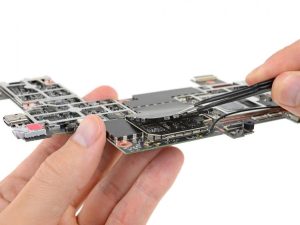
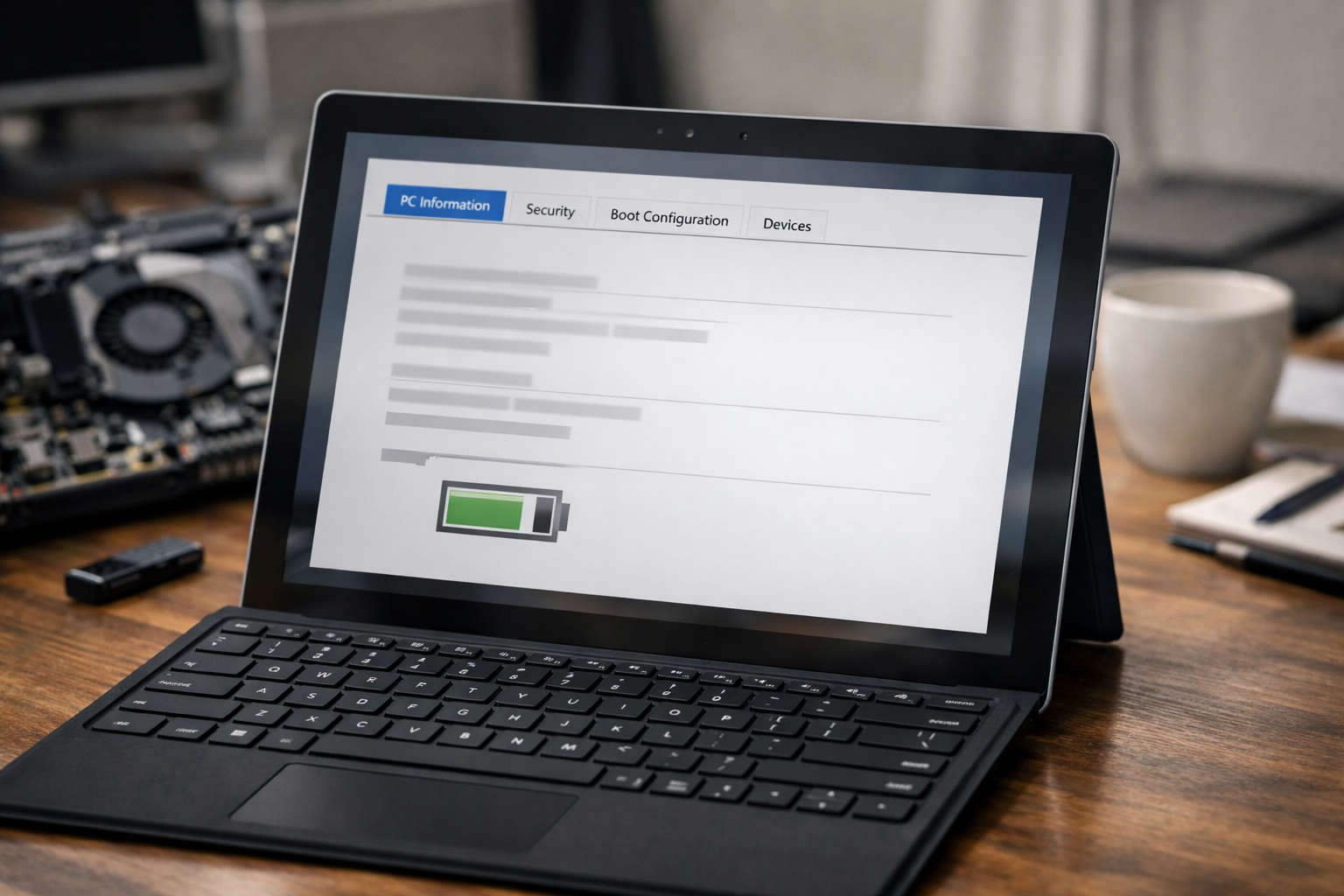
The Microsoft Surface Go 4 is celebrated for its incredible portability and efficiency, making it a favorite for professionals and students on the move. However, like all portable electronics, its performance is heavily dependent on the health of its internal lithium-ion battery. Over time, users may notice a decline in runtime or unexpected shutdowns. When your device no longer holds a charge like it used to, it is time to consider the professional service of thay pin surface go 4 to restore your device to its peak performance.
At Computer Plus, we understand that your Surface is more than just a tablet; it is a vital tool for your daily productivity. This guide will walk you through everything you need to know about battery degradation, the replacement process, and how to maintain your device’s longevity.
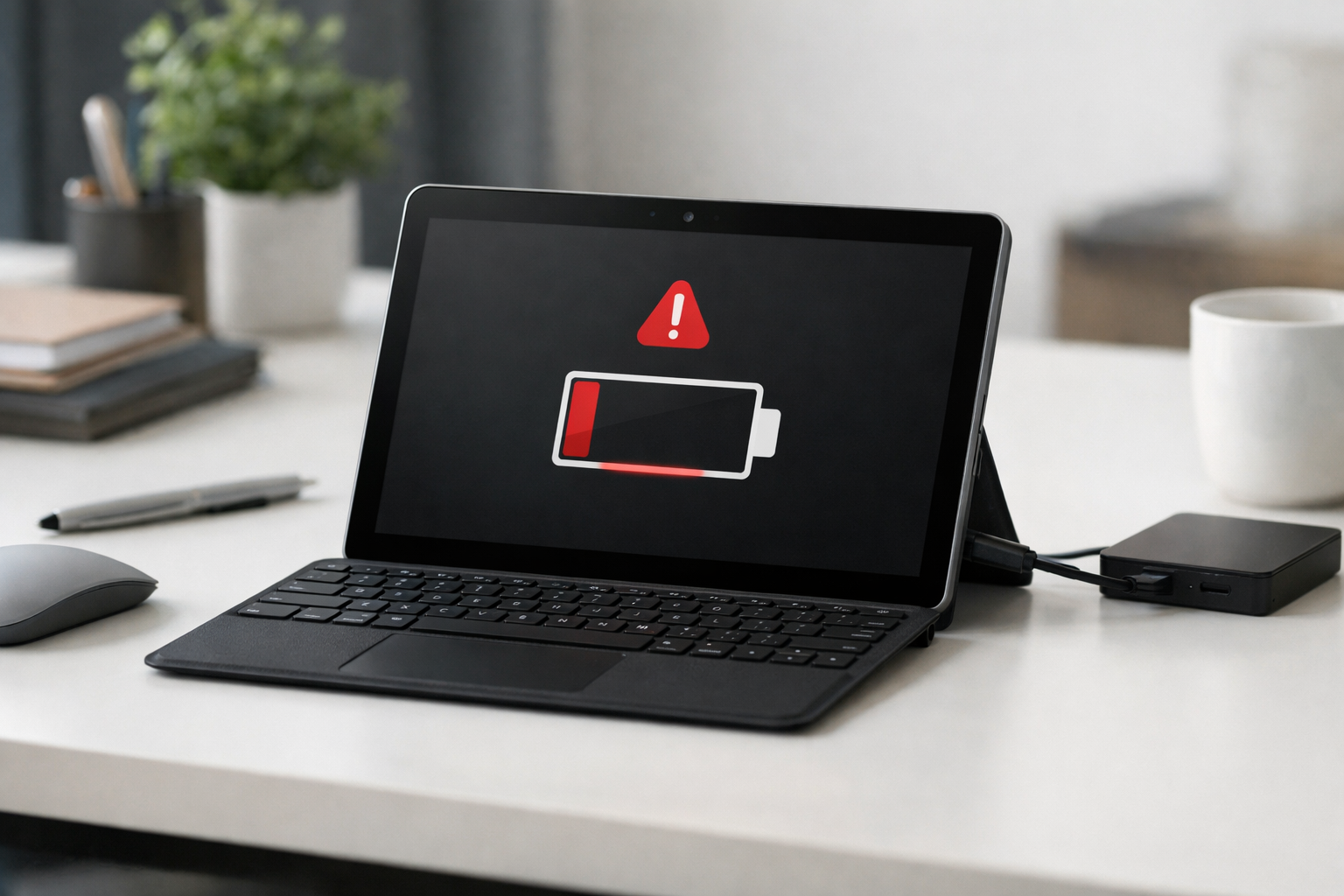
When is it Time to Thay Pin Surface Go 4?
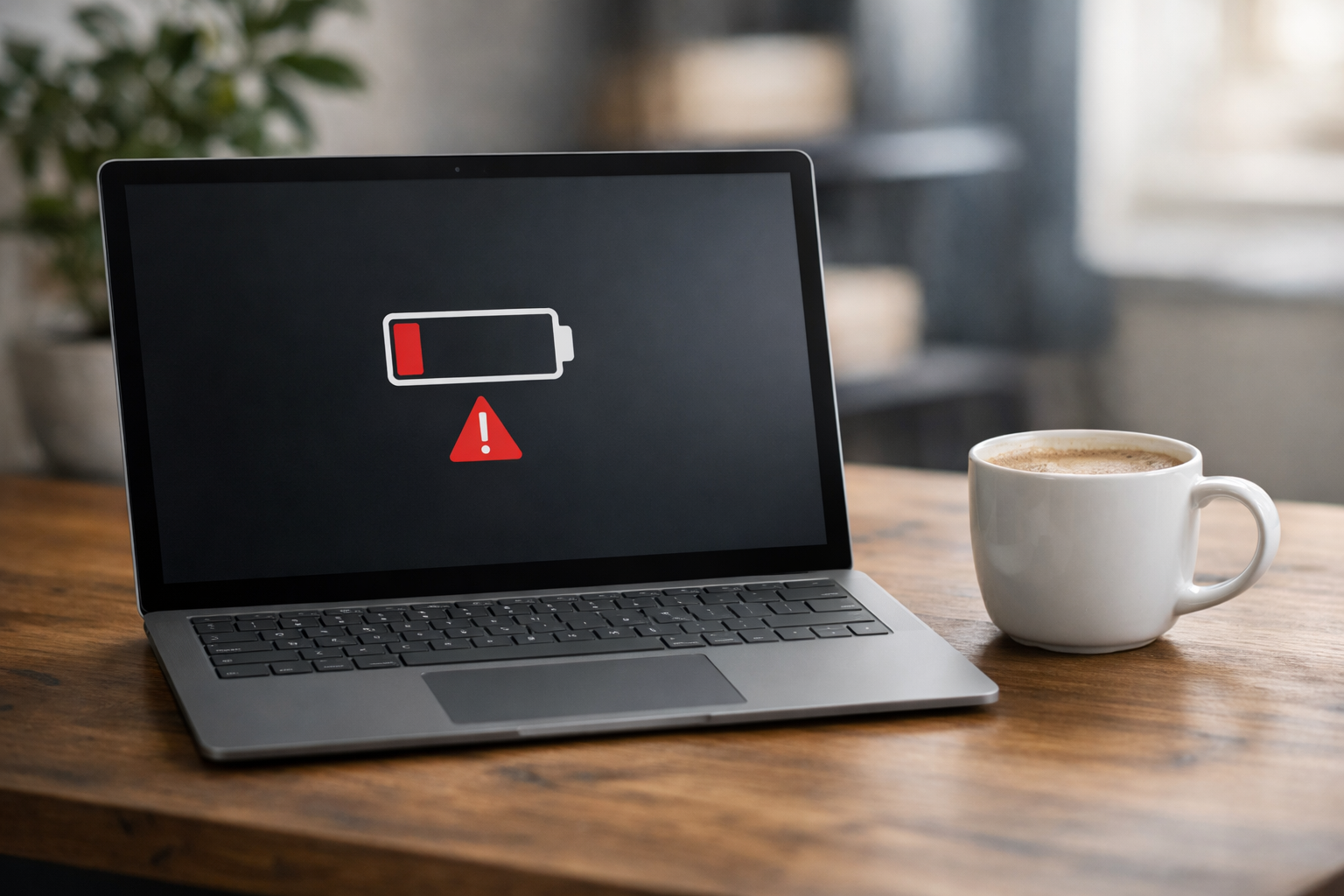
Identifying the right time for a battery replacement can save you from more severe hardware issues down the road. Batteries are consumable components that chemically age with every charge cycle. If you notice any of the following symptoms, it is a clear indicator that you need a professional thay pin surface go 4 service.
Common Signs Your Surface Go 4 Battery Needs Replacement:
- Rapid Discharge: The battery percentage drops significantly even with light tasks like web browsing.
- Unexpected Shutdowns: The device turns off suddenly even when the indicator shows 20-30% remaining.
- Overheating: The back of the device feels excessively hot during normal charging or usage.
- Bulging Screen: A swollen battery can push against the display, causing discoloration or physical lifting of the screen.
- Plugged in, Not Charging: The device only operates when connected to the power adapter.
Ignoring these signs can lead to more complex problems. For instance, a failing battery is often the root cause when a surface go không lên nguồn (Surface Go won’t turn on), or it might lead to system instability where the surface go bị lỗi (Surface Go encounters errors) frequently during high-performance tasks.
The Technical Challenge of Surface Go 4 Battery Replacement
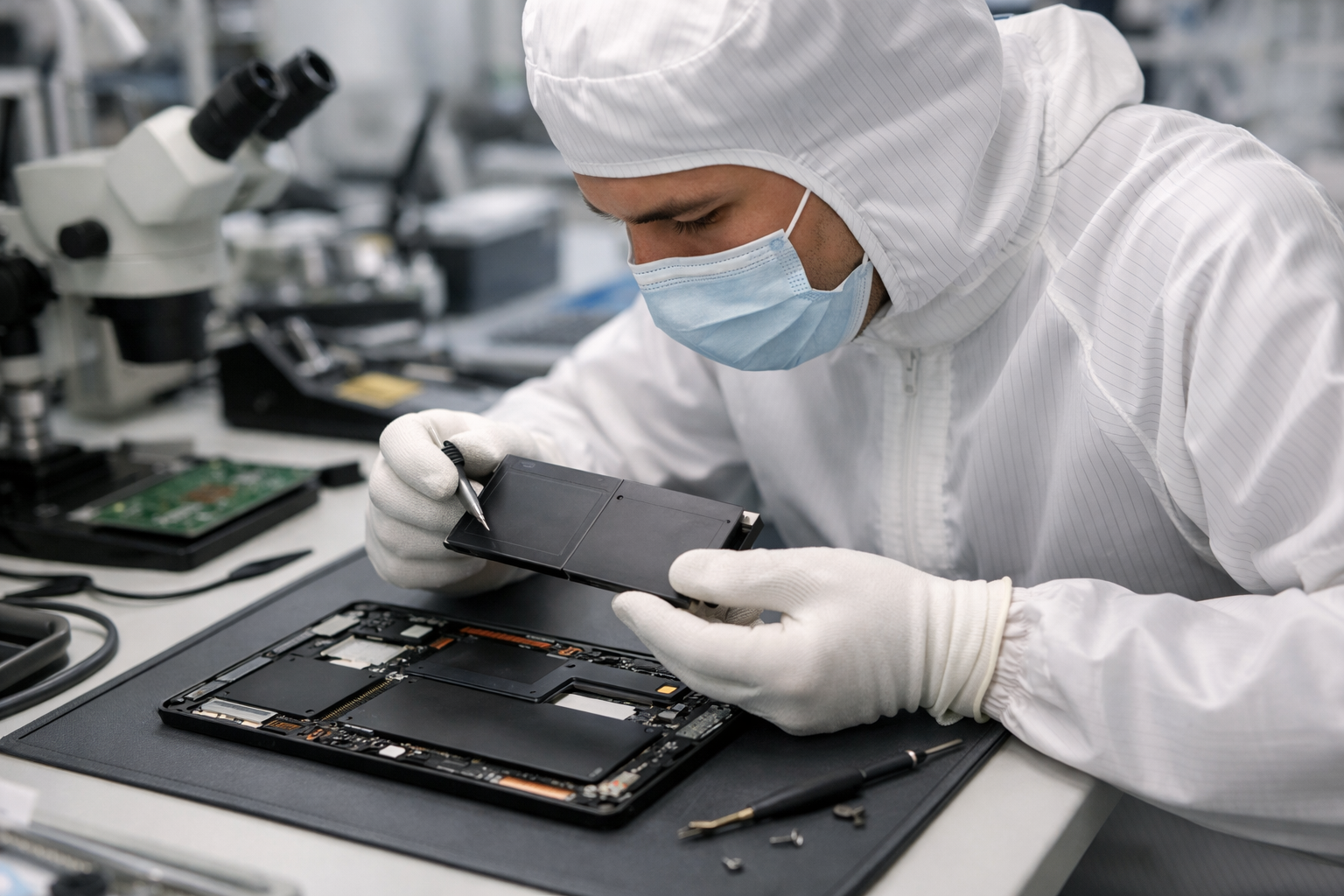
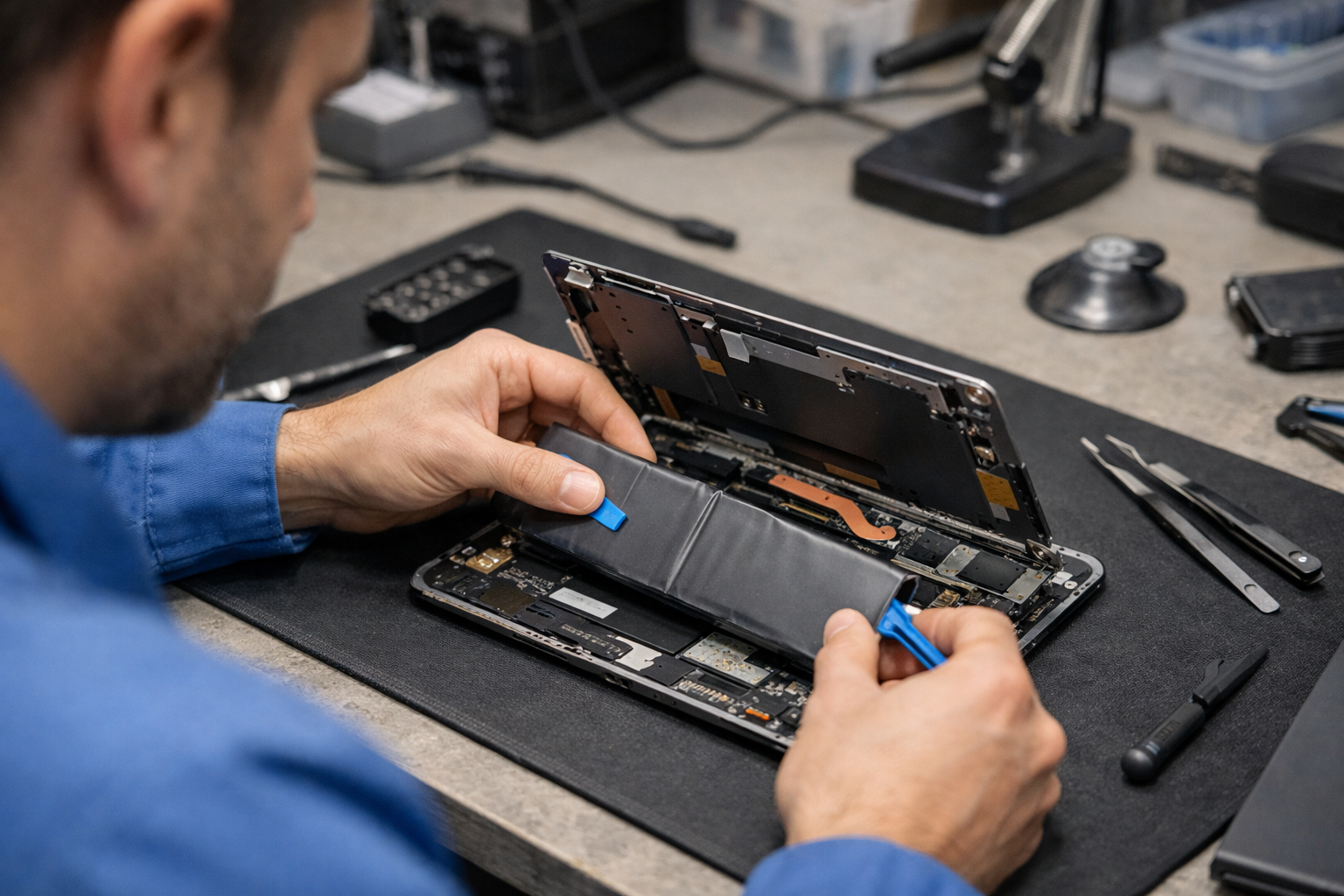
Unlike traditional laptops where the battery might be accessible via a few screws, the Surface Go 4 is a masterpiece of compact engineering. The internal components are secured with strong adhesives and delicate ribbon cables. This is why thay pin surface go 4 is a task best left to experts.
The Risks of DIY Replacement
Attempting to replace the battery yourself without the proper tools can result in permanent damage. The display assembly is extremely thin and prone to cracking if too much pressure is applied during the prying process. Furthermore, the battery is glued directly to the chassis, requiring precise heat application to remove safely without puncturing the cells, which could lead to a thermal event.
According to Microsoft’s official hardware documentation, maintaining the integrity of the thermal shielding and internal connectors is crucial for the device’s long-term stability and safety. Professional service centers use specialized heat pads and suction tools to ensure the screen remains intact throughout the procedure.
Why Choose Computer Plus for Thay Pin Surface Go 4?
Computer Plus – Trung Tâm Máy Tính Công Nghệ Chính Hãng Tại Việt Nam is dedicated to providing high-quality repair services with genuine parts. When you choose us for your thay pin surface go 4, you benefit from a standardized process designed to protect your investment.
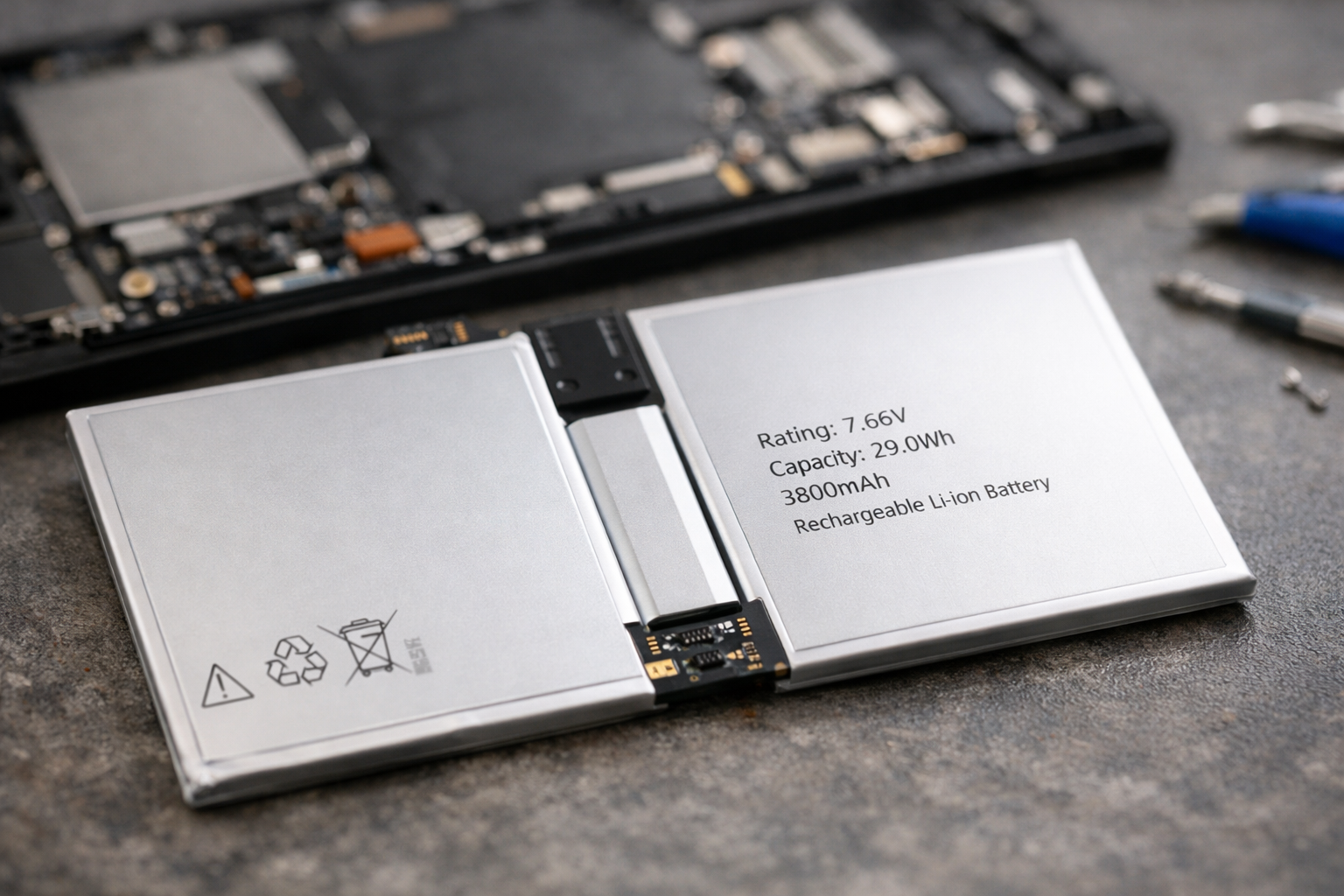
Our replacement process includes:
- Diagnostic Testing: We run software diagnostics to confirm that the battery capacity is indeed below the healthy threshold and check for other underlying issues.
- Safe Disassembly: Utilizing professional-grade heating equipment, we safely separate the screen from the body.
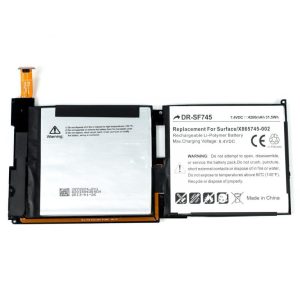
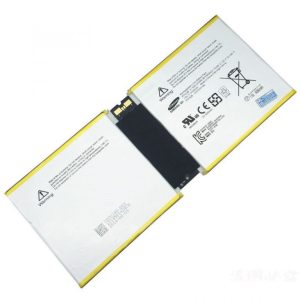
- Genuine Part Installation: We use only high-quality, genuine-spec batteries that match the original mAh capacity and voltage requirements of the Surface Go 4.
- Thermal Management: We re-apply necessary thermal interfaces to ensure the device runs cool after the repair.
- Post-Repair Calibration: The new battery is calibrated through several charge cycles to ensure the Windows OS accurately reports the battery percentage.
Maximizing Your New Battery’s Lifespan
After you have completed the thay pin surface go 4 process, it is important to adopt habits that prolong the life of the new component. Heat is the primary enemy of lithium-ion batteries. Avoid using your Surface on soft surfaces like beds or couches where airflow is restricted.
Additionally, try to keep your battery level between 20% and 80%. Constantly keeping the device plugged in at 100% or letting it drain to 0% frequently can accelerate chemical aging. Windows 11 also includes a “Smart Charging” feature that can help manage these levels automatically to protect your hardware.
Conclusion
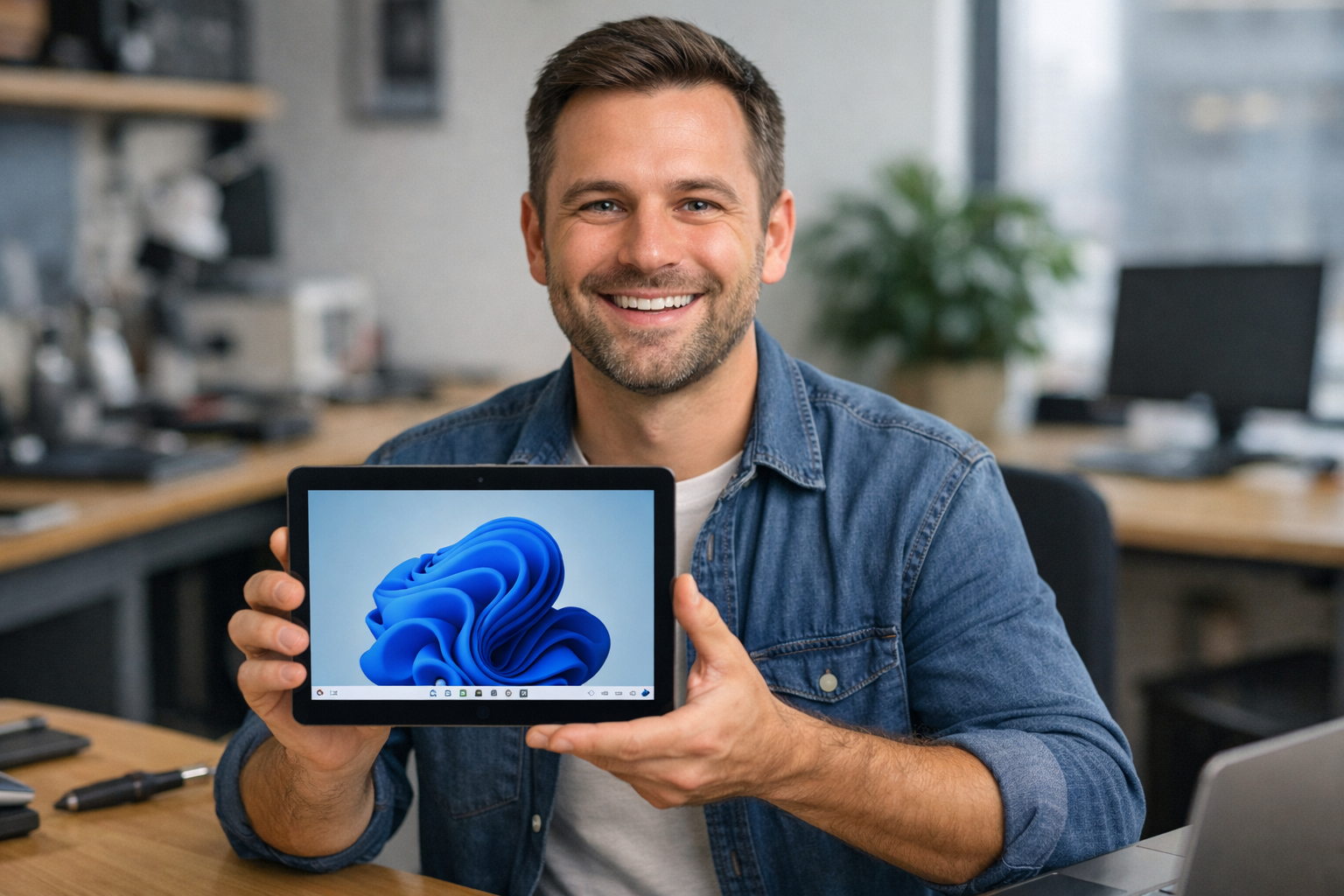
The Surface Go 4 remains one of the most versatile devices in Microsoft’s lineup, but its utility is cut short when the battery fails. Choosing to thay pin surface go 4 at a reputable center like Computer Plus ensures that your device continues to serve you for years to come without the frustration of constant charging. Our team of experts is ready to provide you with fast, reliable, and transparent service to get your mobile office back in top shape.
Don’t let a failing battery hinder your productivity. Visit Computer Plus today for a professional consultation and experience the difference that genuine parts and expert craftsmanship can make for your Surface Go 4.